
Registration with two different SIP accounts simultaneously
It is possible to register the Behnke Station as an extension of two different PBXs or SIP servers at the same time. You will find two SIP accounts on the web interface under the menu item "SIP phone". The registration information for two PBXs or SIP servers can be specified there accordingly. In the "Buttons" menu item you can then specify which of the two SIP accounts should be used when you push a certain button to initiate a call. This configuration guide describes how to set this up exactly. It is assumed that the Behnke-Station is already set up to the extent that access to the web interface is possible. If this is not the case, please follow the instructions provided with your base electronics (manuals) and refer to the technical manualRecently updated — within the last 72 hours to complete the basic setup.
1. SIP registration
-
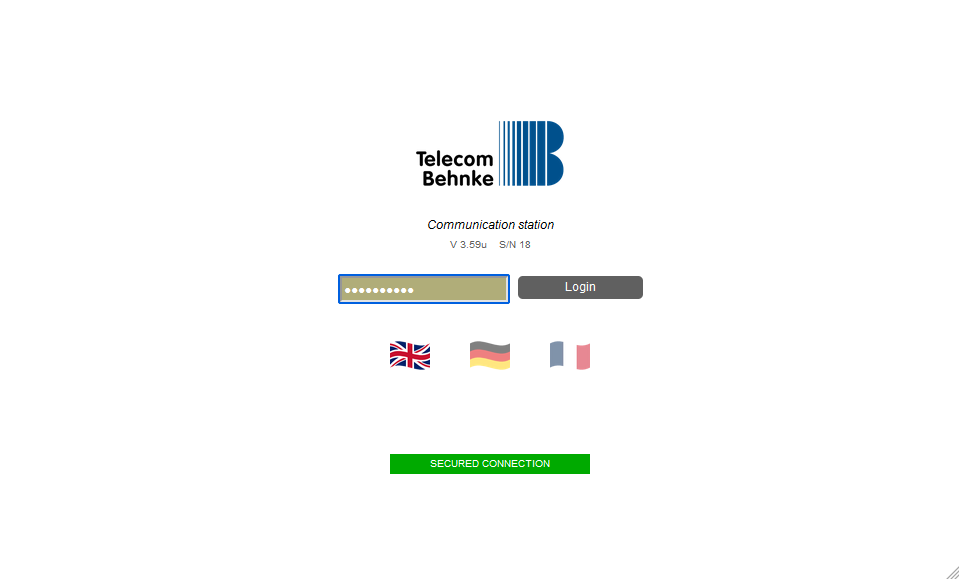
Start your browser, enter the IP address of the Behnke Station in the address bar and log in.
-
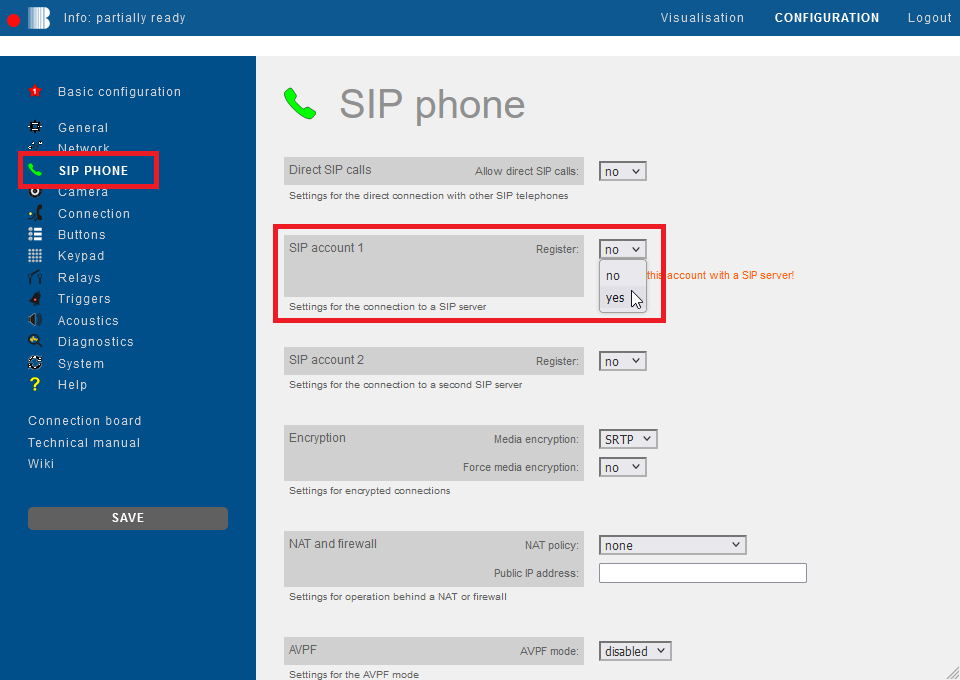
Click on "SIP phone" in the menu. There you will find the two sections "SIP account 1" and "SIP account 2". Please select here the option "yes" for "Register". The parameters required for the SIP registration then fold out for each account.
-
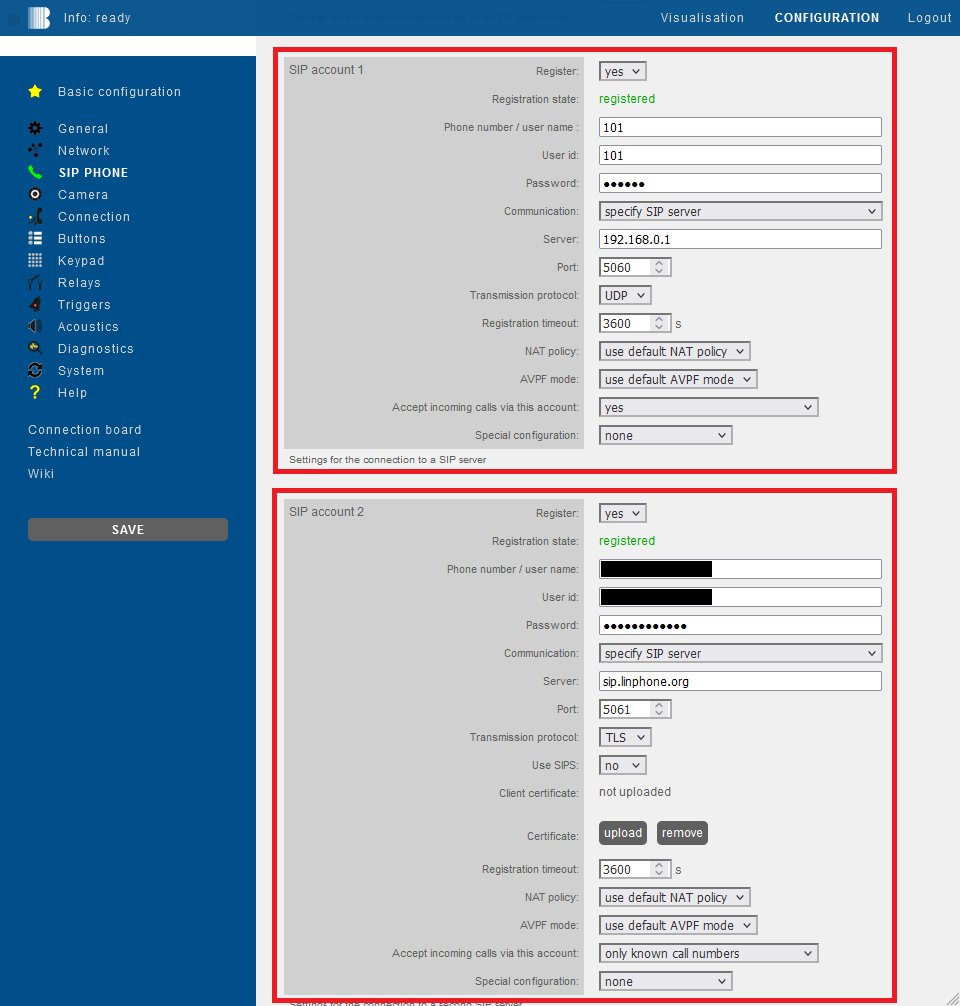
Then enter the login information for both of your SIP accounts. You can find some sample configurations for different PBXs and SIP providers via the following link:
-
Webex by Cisco® with T-Systems®


2. Specify call numbers
Then click "Buttons" in the menu on the left. In the "Call number" field of the desired button you can enter the extension number or telephone number that you want to call when the button is pressed. If you want to call a number using a specific SIP account, please enter the number as follows:
-
Call via SIP account 1:
sip1:+4968418177777 -
Call via SIP account 2:
sip2:4711
Then click "Save" on the left. In this way you can use different buttons to trigger calls via different SIP accounts. This feature can also be used for group calls, chain calls, or calls according to schedules.

Using commands in the phone number field, you can perform various functions. These commands are a comprehensive tool for customizing your Behnke Station and for implementing individual functions.
Extensive information on using commands in call buttons can be found here: Configuring commands in buttonsPlanned
3. FAQ
Note
There is currently no content available here yet. As soon as content is planned, the pages will be marked as planned. Feel free to use the Report a problem function on the right in the toolbar to request new content, ask questions, or report anything that is unclear.
You can also give feedback after every heading, so that we can continuously improve our wiki:
- Move your mouse over the heading
- A small ? appears
- Click the small ?
We welcome every suggestion, every correction and every idea for improvement.