Configuration guide Swisscom®
1. Configuration guide
This configuration guide describes how to set up a Behnke Station as a SIP extension of a SWISSCOM® cloud PBX. We are assuming that the basic configuration of the SWISSCOM® system has already been done, and we will only describe the steps required to register the Behnke Station with SWISSCOM®. We also assume that the Behnke station has already been integrated into the network and can be accessed via the IP address in a browser.
1.1. Configuring the Behnke Station
-
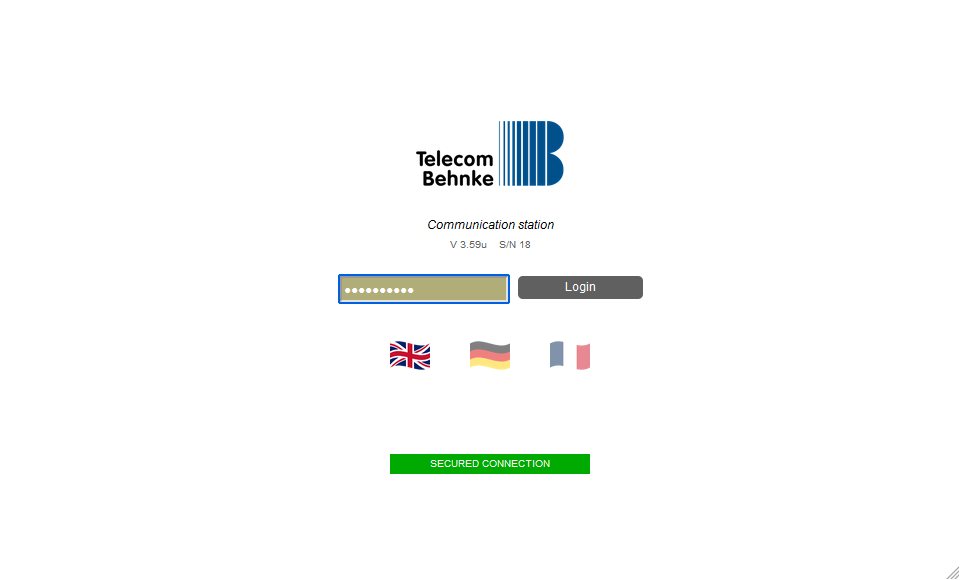
Open a new tab in your browser, enter the IP address of the Behnke Station in the address bar and log in.
-
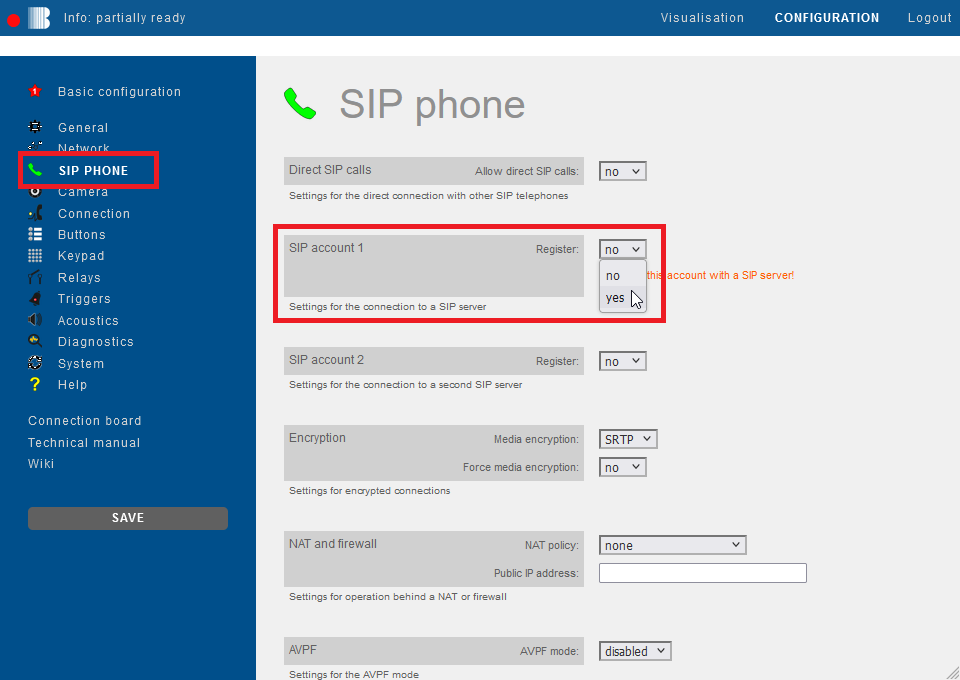
Click on "SIP Phone" in the menu. Scroll down to "SIP account 1" and select the option "yes" for "Register".
-
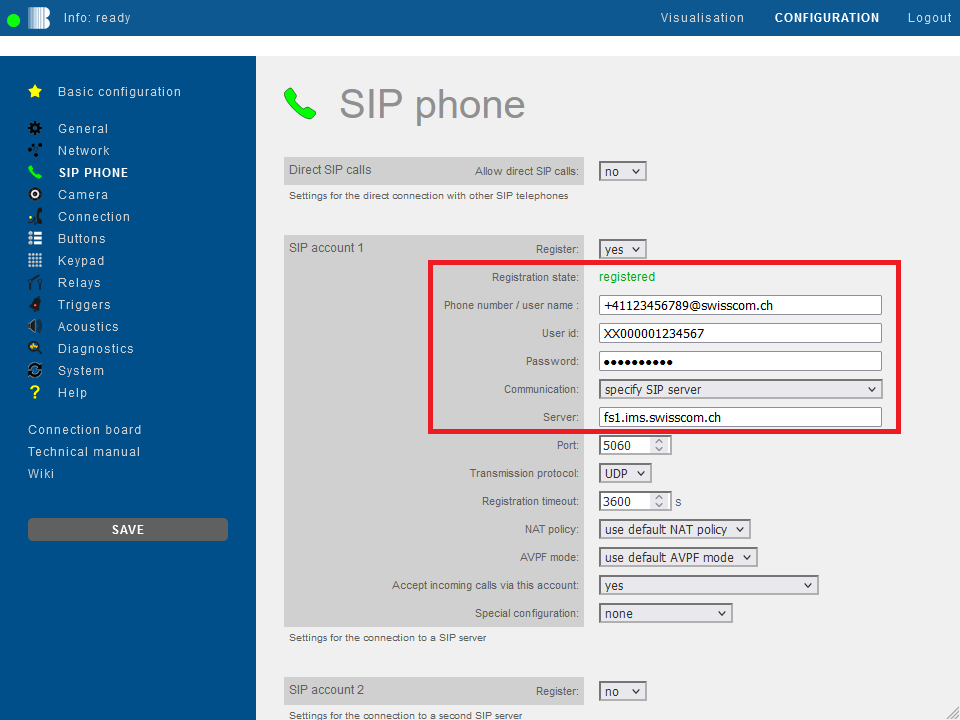
Then fill in the fields with your SWISSCOM® SIP credentials as follows and click "Save" on the left.
Field Behnke Station Value SWISSCOM® Phone number/user name <Phone number>@swisscom.ch, e.g.+41123456789@swisscom.chUser ID User ID, e.g. XX000001234567Password password Server fs1.ims.swisscom.ch If the registration was successful, the "Registration state" changes to registered.
-
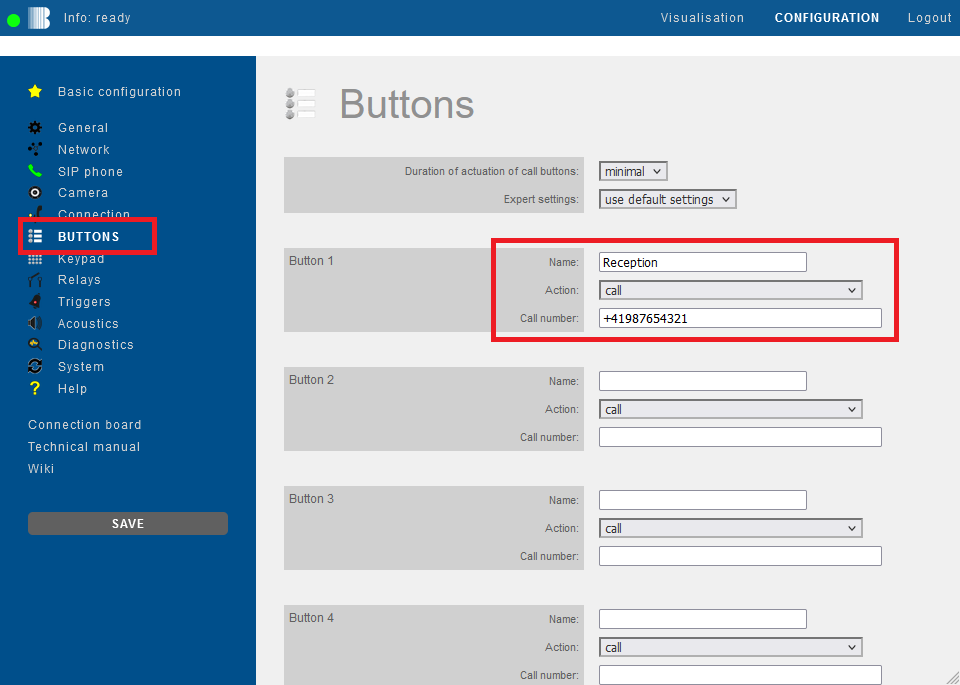
Then click "Buttons" in the menu on the left. For the desired call button enter the extension number or phone number that is to be called when the button is pressed. Then click "Save" on the left.